Flights availabilties
The Flights availability section is where users (students and instructors) set their available times — when they can participate in a flight.
Each user has a horizontal timeline showing their daily availability. On this timeline, colored bars represent the hours when they are available or unavailable to fly.
Purpose of flights availabilities is to help flight managers to reschedule a flight to another hour in case that an unexpected event occurs and having a flight available for a student or instructor will make sure that the student or instructor will be able to fly but on another time slot on the same day
Role labels on the timeline
- The bar on the timescale may contain one of the following texts:
- STUDENT → The availability is set for a student role
- INSTRUCTOR → The availability is set for an instructor role
Flight availability legend
| Color | Meaning |
|---|---|
| 🟩 Green | The student or instructor is available for flights in that time slot |
| 🟥 Red | The user has marked this time slot as not available |
| ⬛ Black | The user has canceled a previously set availability |
By correctly setting flight availability, the platform can help match students and instructors when scheduling future flights. Accurate availability ensures smooth planning, better resource allocation, and fewer scheduling conflicts.
Add flight availability
1. Click "Flights schedules"

2. Click "Add availability"

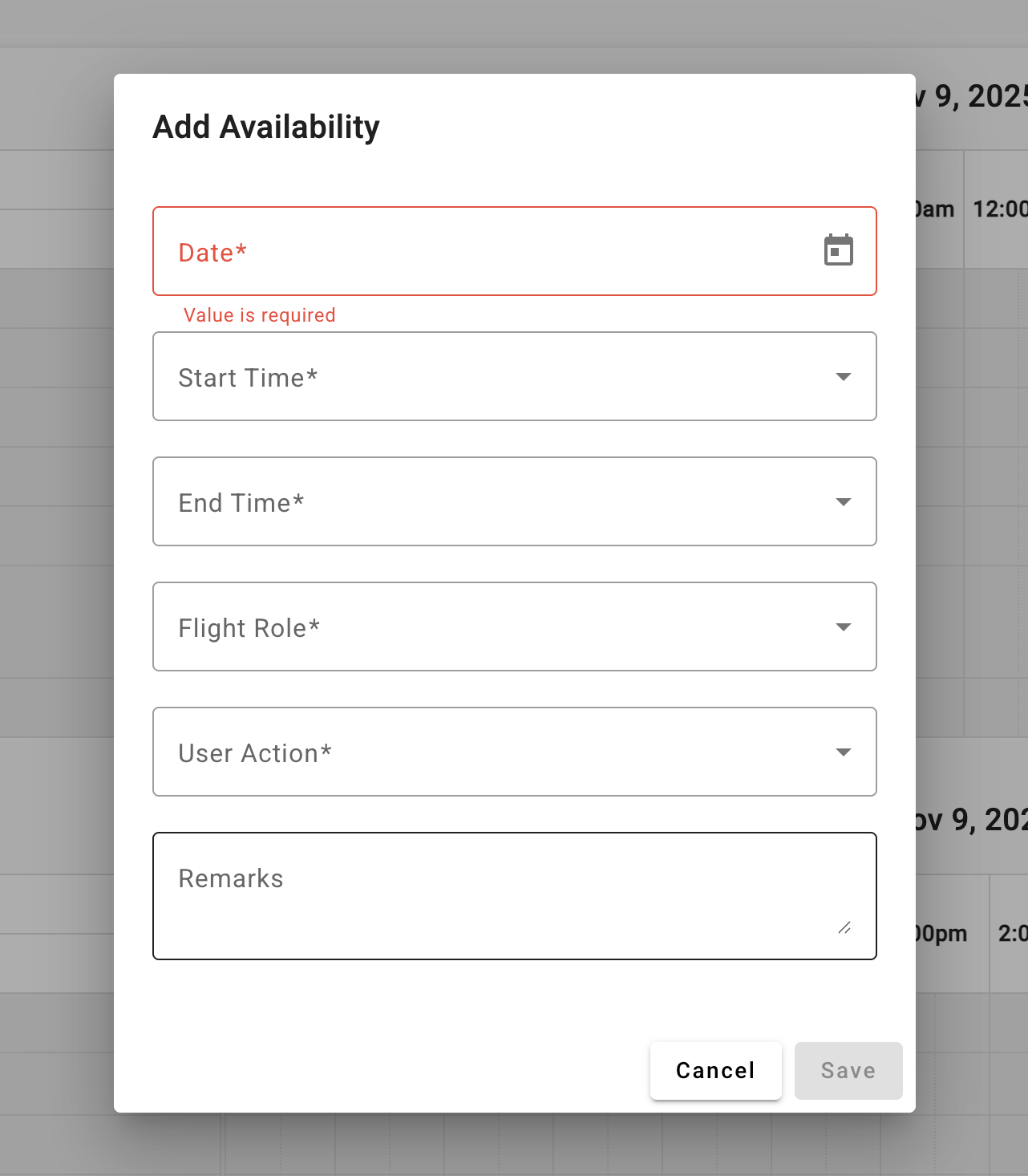
3. Fill all informations and click "Save"